Digital Signage Blog Archives


Posts Tagged ‘video wall’


Advertise Me at the Digital Signage World 2011

advertise me has showcased their digital signage solutions at the Digital Signage World 2011. The event was held over two days (9th & 10th June 2011) at Hall 1 at Darling Harbour Exhibition Center Sydney Australia. The Digital Signage World 2011 is the second digital signage event that has been held in Australia and is the only dedicated tradeshow and conference for the digital signage industry and included seminars from key speakers and exhibitors.

Advertise Me was one of the many exhibitors at the event which included large companies such as Sharp, Fujitsu and Netcomm. During this exhibition, Advertise Me stood out from their competitors by demonstrating the use of Social Networking tools such as Twitter and Foursquare to communicate real time information on the screen. The setup of their stand was also unique which incorporated the use of a video wall(2×2 47″ FULL High Definition LCD Panasonic screens) to demonstate different applications for digital signage. Here’s the setup:

The digital signage software that was used for delivering and distributing the content to the screens was PADS Professional developed  by a Netherlands based company called Net Display Systems. Net Display Systems has thousands of installations in multiple market sectors from transportation, corporate and government to hospitality and retail.

The PADS Professional software was installed on the Shuttle XS35 – one of the smallest and powerful PC we’ve seen on the market. The unit has an atom processor with an NVIDIA ION graphics chip set and is able to play Full HD videos without any issues. In actual fact,  we played a number of Full HD Videos at the same time and didn’t notice any lag. For convenience, the unit can be mounted on the back of a screen with a Shuttle VESA mounting kit.

The top left hand screen demonstrated the use of Twitter, Foursquare, News and Weather feeds, and the ability to show real time video (USB Camera) as an input source.

The top right hand screen demonstrated the use of Advertise Me’s custom built SMS solution. This digital signage solution enabled visitors to select a music video clip from a list by texting a code to a mobile number. According to the company, this application can be used with any digital signage software that can be connected to the Internet and it’s use can be applied in any industry. Advertise Me also used this solution to distribute the PADS demo key via SMS.

The bottom left hand screen played marketing videos and was also used to demonstrate the PADS software. This allowed Advertise Me to answer and show the user how easy the system is to use.

The bottom right hand screen played an image slideshow demonstrating the use of digital signage in different industries such as hospitality, education, retail and the corporate sector.

Facial recognition, hand and SMS interactivity were some of the innovative technologies being showcase at the exhibition and it is anticipated that businesses will soon adapt to these new technologies in Australia.

Advertise Me would like to thank their sponsors for their help and assistance:

  • Net Display Systems
  • Shuttle/Altech
  • Panasonic
  • Visual Sounds
  • Squeak.com.au

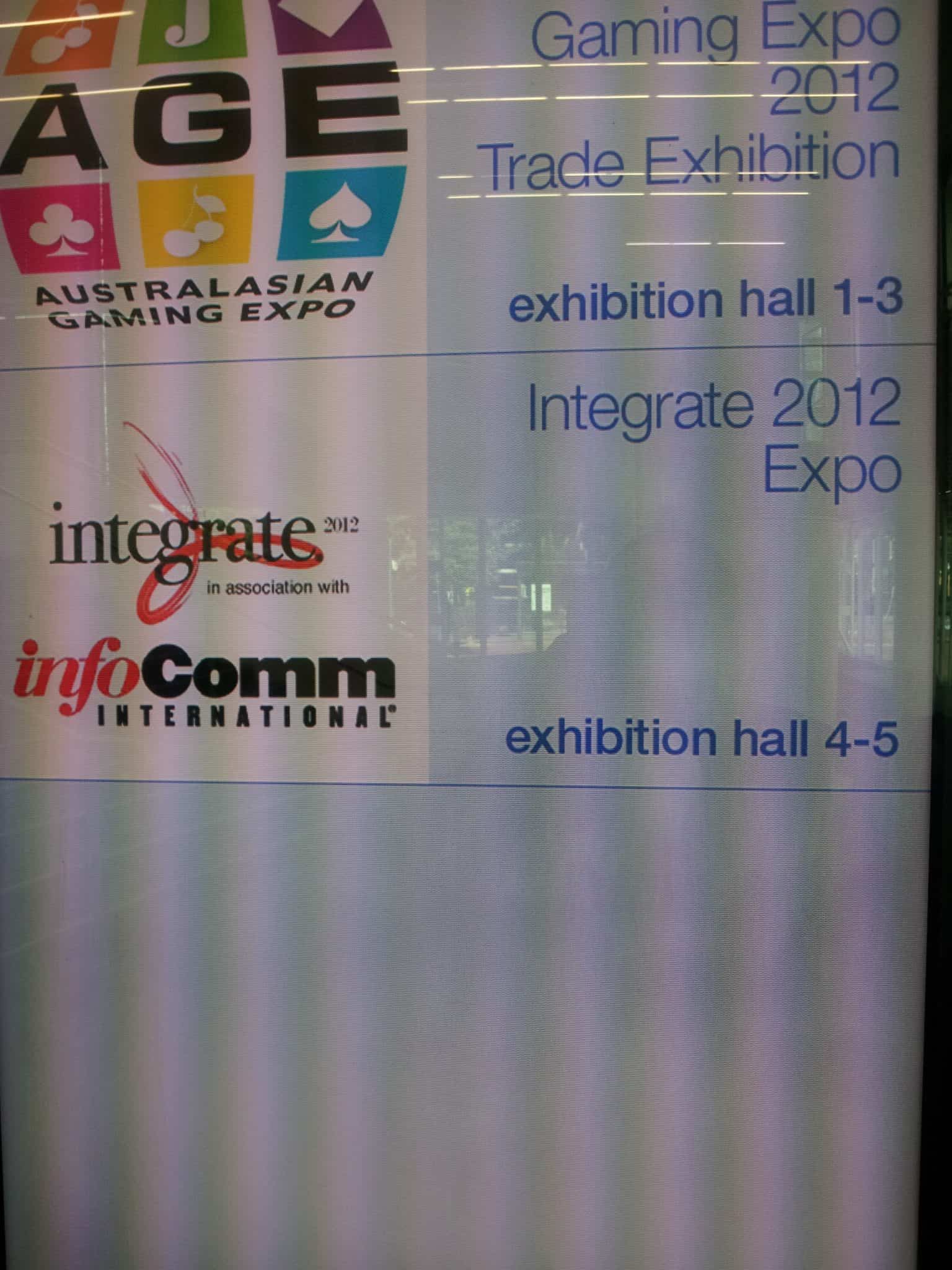
Here’s a few more photos of the expo:


Category: Digital Signage Blog News


Weekend Fun: NOT How to wall mount a Plasma/LCD WITHOUT a bracket!

I stumbled across a funny Youtube video titled “How to wall mount a Plasma/LCD WITHOUT a bracket!Exclusive… it really works!!!” Since it’s the weekend, have a look at this video.


Lesson learnt, use a bracket and a professional to mount a LCD or Plasma screen. Once the screen is dropped…. it will never be the same.

Category: Digital Signage Weekend Fun


Digital Signage on The Social Network

For those of you who have watched the facebook movie, “The Social Network” did you notice the video wall at the scene when facebook reached past the 1 millionth member? Although the video wall was just displaying the countdown, it did show us how screens can be used in corporate environments to show information to the wider audience. So, I was wondering whether any company or business has integrated facebook to their digital signage system?

Category: Digital Signage Blog News


Digital Signage Klips: ING video wall

I was walking past the ING building in Sydney Australia and saw a video wall made up of 18 NEC screens. The content seemed pretty static and the bezel was quite noticible but we all know that the smaller the bezel the higher the cost of the screen.

ING VIDEO WALL

Category: Digital Signage Klips


Digital Signage World Australia 2010

The first dedicated digital signage expo in Australia spanning just over half a hall at the Sydney Convention Centre. There were the usual players in the game showcasing their latest products and technologies, and as usual it was the manufacturers who stole much of the stage. The free seminars held almost every hour was an added bonus by experts sharing their knowledge and practical experiences.

continue reading »

Category: Digital Signage Blog Events, Digital Signage Blog News, Featured Post


First Digital Signage Proposal

We were clearing up some of our documents and stumbled across one of our very first digital signage proposals and we thought we’d share some of this with you all. Just keep in mind that this was one of our very first proposal…

In today’s day and age, the Internet and email technology has revolutionised the way we communicate with people all over the world. Both of these technologies are critical and vital to the operations of any business. Without these technologies, your employees and company will come to a standstill.

Moving forward with technology, digital signage is a new form of digital medium for corporate businesses with multiple offices around the world to deliver dynamic messages to its employees. It is a proven fact that dynamic images and information attract more attention than static images such as posters or billboards by a factor of 10.

XXX  is a large global organisation and it can embrace this technology by keeping its local and remote employees up to date with; business events (National Sales Conferences, annual Christmas party), corporate headlines (the launch of new xxx products or systems) and local business effecting announcements (building renovations, Information Technology business interruptions).

What is digital signage?

Digital signage is the method of displaying multimedia content on a display unit such as a LCD screen, a plasma display panel, a monitor, a video wall composed of a number of screens to deliver informative and entertaining content to employees, visitors, captive audiences and passers by.

As opposed to still images, multimedia content is the new standard of digital communication. The information presented to your viewers will not only be exciting but also captivating.

Benefits

XXX can use the digital signage technology to impress both its visitors and employees. Imagine the following scenarios:

Your visitors are standing at your reception desk signing the visitor’s book. They look up and their eyes are caught by a large LCD screen. A message is displayed “Welcome to XXX.” The message fades and the next message appears “Dear visitor, please ensure your visitors badge is visible at all times whilst on XXX premises. Please also remember to sign out before leaving. Thank you and enjoy your visit.” The system can also be used to display Training timetable information (training name, time and locations) and help guide your visitors to the training rooms.

Your employees walk into the office and their eyes are caught by the LCD screen. There is a message on the screen “Reminder: Flash Presentation at 11:00 AM”. In this particular scenario, the system is being used as a bulletin board to efficiently remind staff of particular events.

Your employees are eating in the cafeteria, the LCD screen displays the message at all sites with the following “advertise me Christmas countdown: 2 days to go. Visit http://www.advertiseme.com.au for more information.” Staff members are updated with important company information.

There are infinite possibilities and scenarios where your business can benefit from this evolving digital signage technology. Take the step now and you will notice the difference.


Just by simply introducing the digital signage technology to XXX’s corporate environment, Advertise Me can guarantee the business can achieve the following:


  • Promote new products to its employees
  • Increase awareness of critical business projects to employees
  • Improve business image to visitors and the public
  • Achieve recognition from competitors by being the first YYY company to use this technology
  • Keep employees informed with information with eye catching presentations


Proposal


A typical digital signage network consists of a small form factor Personal Computer, a 32 inch LCD TV (inclusive of a mounting bracket) and the digital signage software.  Our proposal for XXX is slightly different and is as follows:


  • XXX will supply Advertise Me with a PC which meets our technical specifications. This will ensure that the PC has been qualified by a XXX employee and conforms to the XXX standards.
  • We will supply XXX with a 32 inch LCD TV as a minimum or for an additional cost, upgrade to a larger screen size LCD.
  • We will install, configure and support the software on any PC that is connected to a stand.
  • Provide basic training to either IT staff or XXX employees who will manage the system
  • Provide on-site maintenance for the equipment and software

XXX has the option to have the digital network set up on its own private network or on the Advertise Me network. Our preference is to have the PC’s on our network so that we can monitor and remotely manage each stand. We will provide Internet access points at each stand and set up VPN (Virtual Private Network) tunnels with the highest security back to our network. We will then provide XXX with access to the players via our network.


There are ZZZ XXX offices based in Australia; [locations]. At each location we propose to have an stand at the reception desk, and one in the cafeteria/lunch area. At XXX we can additionally add another stand in the Hub.

Category: Digital Signage Blog Info


Digital Signage Klips: Advertise Me snaps for 2010

At the end of last year we asked our readers (http://www.digitalsignageblog.com/2009/12/04/klips-share-your-digital-signage-snap/) to send us digital signage Klips so we can share with the rest of the world. We decided to kick off the year with our own Klips that we’ve taken whilst being out and about. You can view these here http://tweetphoto.com/user/advertisemeAU and make sure you follow us in twitter (http://www.twitter.com/advertisemeAU) so you can receive our latest updates. Let’s review some of these digital signage Klips and implementations:

continue reading »

Category: Digital Signage Klips


NEC Multisync X451UN – great for video walls

If you’re looking for a large LCD screen with an ultra thin screen bezel then the upcoming NEC Multisync X451UN will be perfect for your next digital signage wall. In a previous post we talked about how to create a video wall using existing equipment or purchasing specialised hardware such as the NEC Multisync X451UN. Now, the actual screen has a bezel of only 7.3mm and it can be connected to form a 10×10 screen configuration to fill up a space of almost 645 square feet (that’s approximately 60 square meters). This is perfect for locations such as Movie Theaters or any location that needs a large screen area, however it does come with a hefty price – US$6000 and will be available sometime in April.

Some of the additional features of this screen are:

* 16:9 widescreen aspect ratio
* 1,360 x 768 WXGA native resolution
* 700 cd/m2 brightness
* 3,000:1 contrast ratio
* 3-year parts and labor warranty
Source: www.slashgear.com. For more additional specs visit the website.


Will you be purchasing the NEC Multisync X451UN?


View Results

Loading ... Loading ...

Read more interesting news

Category: Digital Signage Blog Products, Featured Post


Digital Signage:How do I create a video wall?

Depending on your exact requirements, there are several ways to create a video wall (a series of screens set up in a matrix configuration).

Some people might not be aware of this but most commercial grade screens already have this video wall function built in.

For example, the Mitsubishi screens have an RGB input and output port. See the below image:

Digital Signage Mitsubishi Screen

In order to set up a 3×3 video wall with the Mitsubishi screens, all you would need to do is “daisy chain” all the screen in the following video arrangement:

1. Connect the video RGB output port of Screen 1 to the RGB input of Screen 2

2. Connect the video RGB output port of Screen 2 to the RGB input of Screen 3

3. Connect the video RGB output port of Screen 3 to the RGB input of Screen 4

and so forth.

Alternatively,  there are several other ways of achieving the same result. There are devices out in the market which perform the same function. Below is a short list:

1. Stretcher – this device stretches your monitor among four DVI or VGA screens without the use of software

Stretcher

Digital Signage Video Wall UXST4diagram

For information about this product, visit our online shop at the digital signage portal.

2. Xpander – Expand Your Desktop up to 32 VGA Screens with Video Overlay Support

Xpander Diagram

For information about this product, visit our online shop at the digital signage portal.

To discuss this topic further, visit the digital signage portal forum.

Category: Digital Signage Blog Info, Digital Signage Blog News, Digital Signage Blog Products

Request a Digital Signage Quote

RSS

Or subscribe via email:
 
Digital Signage Blog Sponsors

Advertise Me Sponsorships available here!

Digital Signage Articles

Sponsored Links


Recent Comments: